
BION-2: Predicting positions of non-specifically bound ions
Professor Emil Alexov Group

We have provided a .pqr file
1o3b.pqr
for download in the example panel on the home page of the BION-2 webserver.
We encourage users to download it and use it for an example run.
Once the user has downloaded the provided .pqr file
(1o3b.pqr) locally, it can be used as the input
structure file, as shown below.
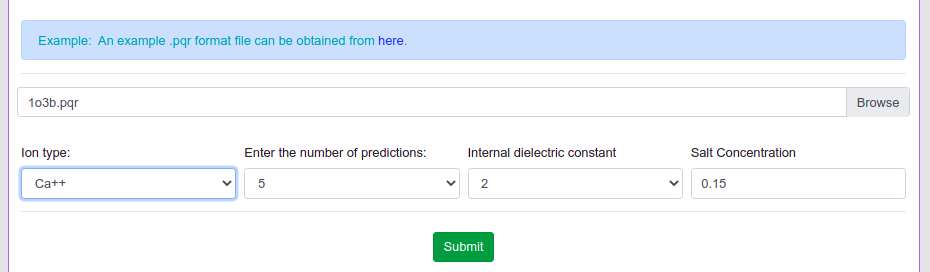
Then the user should be able to choose the ion type (presently we choose Ca2+), number of predictions (currently we choose the default 5), internal dielectric for the Gaussian dielectric model (we choose the default 2), and ionic strength (default value 0.15 M). After choosing all required parameter values, the user can click the submit button to make predictions. If the inputs are valid, the prediction proceeds; otherwise issues with the input are reported. The whole process takes around 1 to 2 minutes, and the user is redirected to the results page, which lists the positions of predicted ion positions and potentials. In addition, a visualization of the protein with predicted ions is also provided for visual aid. The typical output for the present case looks as shown below.